
Votre panier est vide










TN-seriesToner cartridges
24 monthsWarranty
Free shipOrders over $46
Since 2010Shipped in Canada
Executive summary
- Brother toners work by electrostatic imaging and heat fusion — the same physics as any laser printer, tuned for Brother's TN-series cartridges.
- Many Brother mono lasers use a separate drum unit (DR-series) and toner cartridge (TN-series) — the toner runs out first, the drum lasts several toners.
- High-yield (X or XL) cartridges lower your cost per page if you print more than a few hundred sheets a month.
- Streaks, banding and repeated marks usually trace back to the drum, not the toner.
- The starter cartridge that ships with a new Brother printer holds far less toner than a standard TN cartridge — plan for it.
Brother toners for compatible laser printer systems support fast document production, sharp text and reliable page consistency. Unlike inkjet printers that fire liquid ink through nozzles, laser printers work with fine toner powder that is transferred onto paper by electrostatic imaging and heat fusion.
This is the printing technology behind Brother's HL, DCP and MFC laser families — the printers you find on desks in accounting offices, print rooms, schools and small-business setups where document volume and running cost matter more than photo-grade colour.
How laser printing works
Laser printers run a synchronised sequence that combines toner transfer, electrostatic charging and heat bonding. A monochrome Brother printer completes the full cycle in fractions of a second per line — colour models repeat it four times, once for each toner.
Written out step-by-step:
- The printer receives the print data Your document is converted into a bitmap the laser can trace, one horizontal line at a time.
- A laser writes the image onto the drum The rotating photosensitive drum takes an electrostatic charge; the laser discharges the areas that should hold toner.
- Toner particles cling to the charged pattern Toner is picked up from the cartridge by the developer roller and lands only where the laser marked the drum.
- Paper passes under the drum A transfer roller pulls the toner off the drum and onto the sheet — at this stage the print is loose powder.
- Heat and pressure fuse the toner The fuser melts the toner into the paper fibres. The page comes out warm and smudge-resistant.
Because every step is precision-based, Brother toners have to hold a stable particle size and flow characteristic. Toner that clumps, flows unevenly or picks up moisture disrupts the whole sequence.
Inside a Brother toner cartridge
A TN-series cartridge is a small mechanical assembly, not just a box of powder. Each part contributes to how the cartridge feeds and how the page looks.
01
Toner reservoir
Holds the toner powder and an internal agitator that keeps the particles moving so they feed evenly.
02
Imaging drum
Receives the electrostatic image from the laser. On many Brother models this is a separate DR-series unit that outlives several toner cartridges.
03
Developer roller
Transfers a measured layer of toner from the reservoir to the drum surface at each rotation.
04
Electronic contacts
Let the cartridge report itself to the printer. On chipped TN cartridges (TN-730, TN-830 and newer) this also carries yield tracking.
05
Sealing components
Prevent toner leakage during shipping and installation. The pull-tab you remove from a new cartridge is one of these seals.
06
Shell & frame
The plastic housing that locks the cartridge into the printer and aligns every internal part to the drum.
Brother TN series at a glance
Brother groups its toner cartridges by printer family. The number tells you which generation of printer they fit — mixing them up is the most common reason a new cartridge does not seat.
| TN family | Typical printers | Notes |
|---|---|---|
| TN-660 / TN-630 | HL-L2300D, HL-L2340DW, MFC-L2700DW, DCP-L2540DW | The 630 is standard yield, the 660 is the high-yield equivalent for the same printers. |
| TN-760 / TN-730 | HL-L2350DW, HL-L2370DW, MFC-L2710DW, MFC-L2750DW | Chipped. TN-760 is high yield, TN-730 is standard. |
| TN-850 / TN-820 | HL-L6200DW, MFC-L5900DW, DCP-L5600DN | Higher-volume workgroup printers; TN-850 is high yield, TN-880 is super high yield. |
| TN-830 / TN-830XL | HL-L2400DW, HL-L2460DW, MFC-L2820DW (2023+ models) | Newest chipped mono family. Watch for TN-830XL for the high-yield version. |
| TN-227 / TN-223 | HL-L3210CW, HL-L3230CDW, MFC-L3770CDW (colour) | Four cartridges (K, C, M, Y). The 227 is high yield. |
| TN-431 / TN-433 | HL-L8360CDW, MFC-L8900CDW (colour workgroup) | Four-cartridge colour set. TN-433 is the high-yield version. |
If you are not sure which TN number your printer takes, the safest source is the label inside the toner door — Brother prints it right next to the cartridge slot.
Toner vs drum — why Brother splits them
Brother-specific
Most Brother mono lasers use a separate drum unit — a DR-series part — that carries the actual photosensitive surface. The TN toner cartridge slides into the drum. That means:
- When toner runs out, you replace the smaller, cheaper TN cartridge.
- The larger DR drum unit keeps running — typically 3 to 5 toners worth before it needs replacing.
- If you see repeated marks at a fixed spacing down the page, or persistent streaks that a new toner does not fix, the drum is the part to change.
Common drum-and-toner pairings: DR-630 with TN-660, DR-730 with TN-760, DR-820 with TN-850, DR-830 with TN-830. Colour models typically use a single drum unit that serves all four toner cartridges.
What affects print quality
Laser output depends on several technical factors working together:
- Toner particle consistency — uneven particle size shows as blotchy fills.
- Drum condition — scratches or wear show as repeating marks or streaks.
- Toner flow stability — clumped toner starves the developer roller.
- Heat fusion accuracy — a cool fuser leaves toner that rubs off.
- Printer calibration — colour models need periodic auto-calibration.
- Transfer efficiency — dirty transfer rollers ghost the previous page.
When one of these slips, the page tells you which one:
- FADED TEXTLow toner, worn drum, or economy mode still enabled
- UNEVEN DENSITYToner sitting in one corner — remove the cartridge and rock it side to side
- STREAKINGScratched drum, or debris on the corona wire
- REPEATED MARKSA spot on the drum or fuser rolling round every ~94 mm
- SMUDGING OFF PAGEFuser not reaching temperature — service or replacement needed
- BACKGROUND SHADINGToner leaking past the developer blade; often a cartridge-end symptom
Common toner cartridge problems
Even well-built Brother lasers see the same handful of issues over time:
- Toner clumping after weeks of humid storage
- Leakage from a cartridge that was dropped or shipped without protection
- Uneven coverage caused by an unshaken cartridge sitting on one side
- Light print output as the reservoir empties out
- Toner buildup on the transfer roller and inside the paper path
- Chip errors after a firmware update pushes new counter behaviour
Most of these are preventable with basic storage and installation habits. Matching your cartridge to your exact Brother printer removes the largest single cause of return-and-replace cycles.
Maintenance that actually helps
- Store spare TN cartridges cool, dry and level. A cupboard away from a radiator or a sunny window is fine.
- Rock a new cartridge gently five or six times side to side before installing to loosen the toner.
- Wipe the corona wire using the green tab inside the drum unit — Brother built it in on purpose.
- Clean the paper path with a soft, lint-free cloth when you swap the drum.
- Replace the drum on schedule, not just when the printer nags — the numbers on your status page are conservative.
- Order the next TN before the current one hits empty so you are not paying express shipping mid-job.
Choosing the right toner
Not every cartridge fits every printer, and a printer that runs a lot deserves a cartridge sized for that volume. Work through:
- Find your Brother model. The label is on the front of the printer and in Settings > About.
- Note the TN number shown inside the toner door — TN-660, TN-760, TN-830 and so on.
- Estimate your monthly volume. Under about 200 pages, standard yield is enough. Above that, XL pays for itself.
- Decide standard or high yield based on volume rather than the sticker price.
- Check whether you also need a drum — if the printer prompts "Drum near end", order both.
- Match colour cartridges as a set for colour Brother models — density stays balanced when they all age together.
Compatible & remanufactured
Find the TN cartridge that fits your Brother
Compatible and remanufactured TN-series toners, tested for page yield and print consistency, backed by a 24-month warranty and shipped across Canada.
Shop Brother toners All Brother suppliesWhy toner quality matters
Toner formulation controls how the powder behaves inside the cartridge and how the fuser bonds it to paper. Well-made toner supports:
- Sharp text edges even at small point sizes
- Stable transfer from cartridge to drum to paper
- Reduced smudging and finger transfer once the page cools
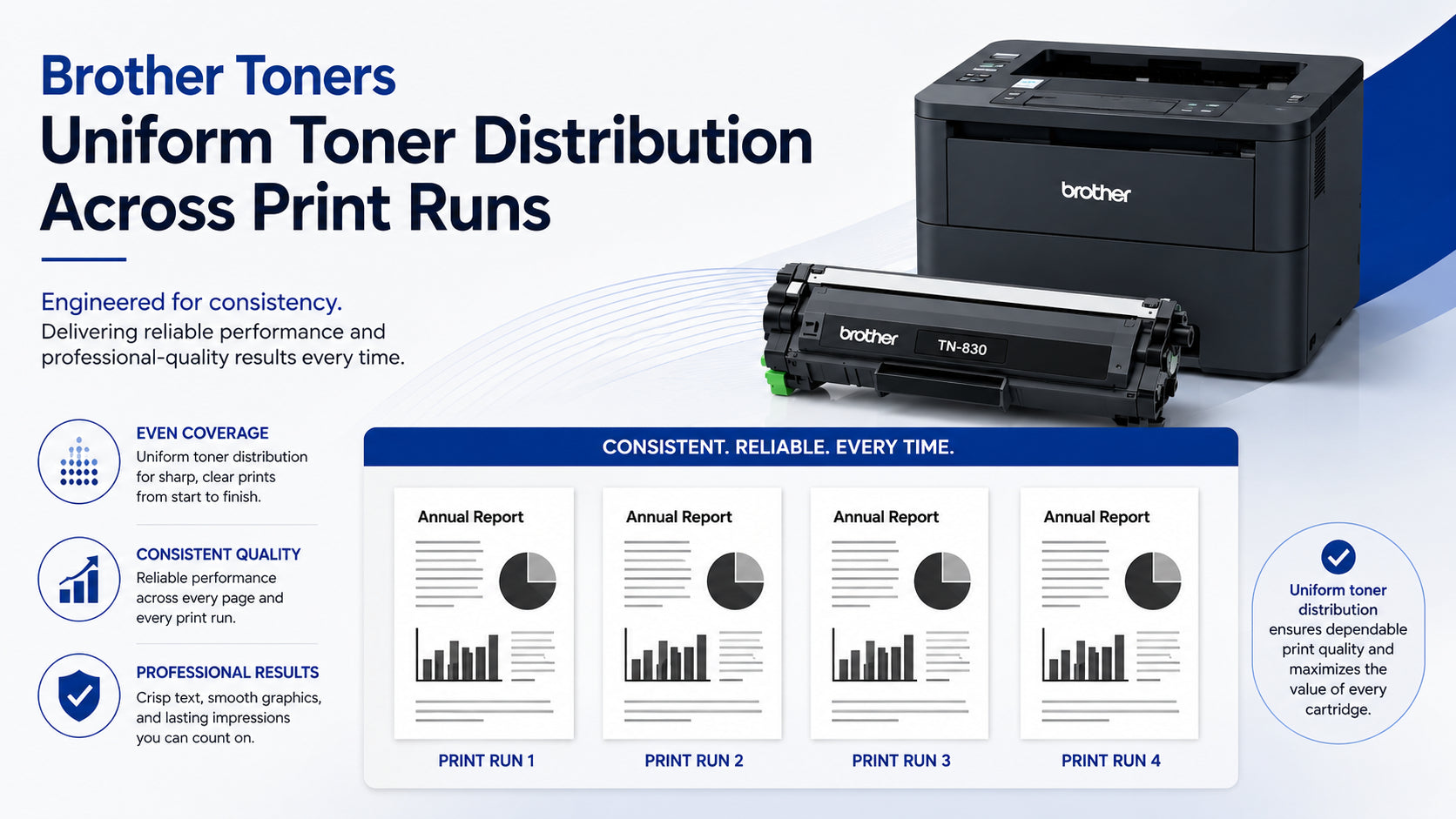
- Consistent density across a full 500-sheet run
- Smooth performance on the last third of the cartridge, not just the first
Poor-quality toner tends to look fine for the first few hundred pages, then falls off — inconsistent flow, ghosting, background shading. That is why a warranty long enough to catch the fall-off matters more than the up-front price.
questions fréquentes
What are Brother toners used for?
They are used in Brother laser printers to create printed documents from toner powder and heat fusion. The printer forms an electrostatic image on a drum, picks up toner in that pattern and fuses it to paper — the same principle across all Brother HL, DCP and MFC laser models.
Why do laser printers use toner instead of liquid ink?
Toner supports much faster printing speeds, dries the moment the page leaves the fuser and produces text that stands up to handling and highlighting. That is why Brother laser printers dominate document-heavy environments where inkjets would slow the workflow down.
What causes faded Brother laser printing?
Faded output usually comes from low toner levels, drum wear, or economy/toner-save mode still being enabled in the driver. Try rocking the cartridge side to side first — the cheapest fix — before assuming the cartridge is done.
Can humidity affect Brother toner cartridges?
Yes. Excess moisture makes toner particles clump together, which starves the developer roller and shows up as blotchy or streaky pages. Store spare cartridges in their sealed bag in a cool, dry cupboard.
How do I know if it is the toner or the drum?
Replace the toner first — it runs out more often and is cheaper. If a fresh TN cartridge still leaves streaks, repeated marks at a fixed spacing, or a persistent line down the page, the drum unit is the part to change next.
Are compatible Brother TN cartridges safe to use?
Yes. Using a compatible or remanufactured cartridge does not void your Brother printer warranty in Canada — Brother has to show that a supply actually caused a fault before declining service. What matters is that the cartridge is built to spec and covered by a real warranty at the supplier's end.
Related collections
- Brother TN toner cartridges
- All Brother supplies
- All toner cartridges
- HP toner cartridges
- Remanufactured cartridges
- Shop all ink & toner
Reliable laser printing performance
Brother toners keep text sharp, output consistent and page cost predictable — once the cartridge suits the printer and the printer sees regular use. With the right TN cartridge, a drum swap on schedule and support from Superink.ca, office and business users can keep their Brother laser fleet running cleanly job after job.
Superink.ca supplies compatible and remanufactured cartridges for Brother printers. Brother, TN, DR, HL, DCP and MFC are trademarks of Brother Industries, Ltd. Superink.ca is not affiliated with, endorsed by or sponsored by Brother Industries; brand names are used only to indicate printer compatibility.