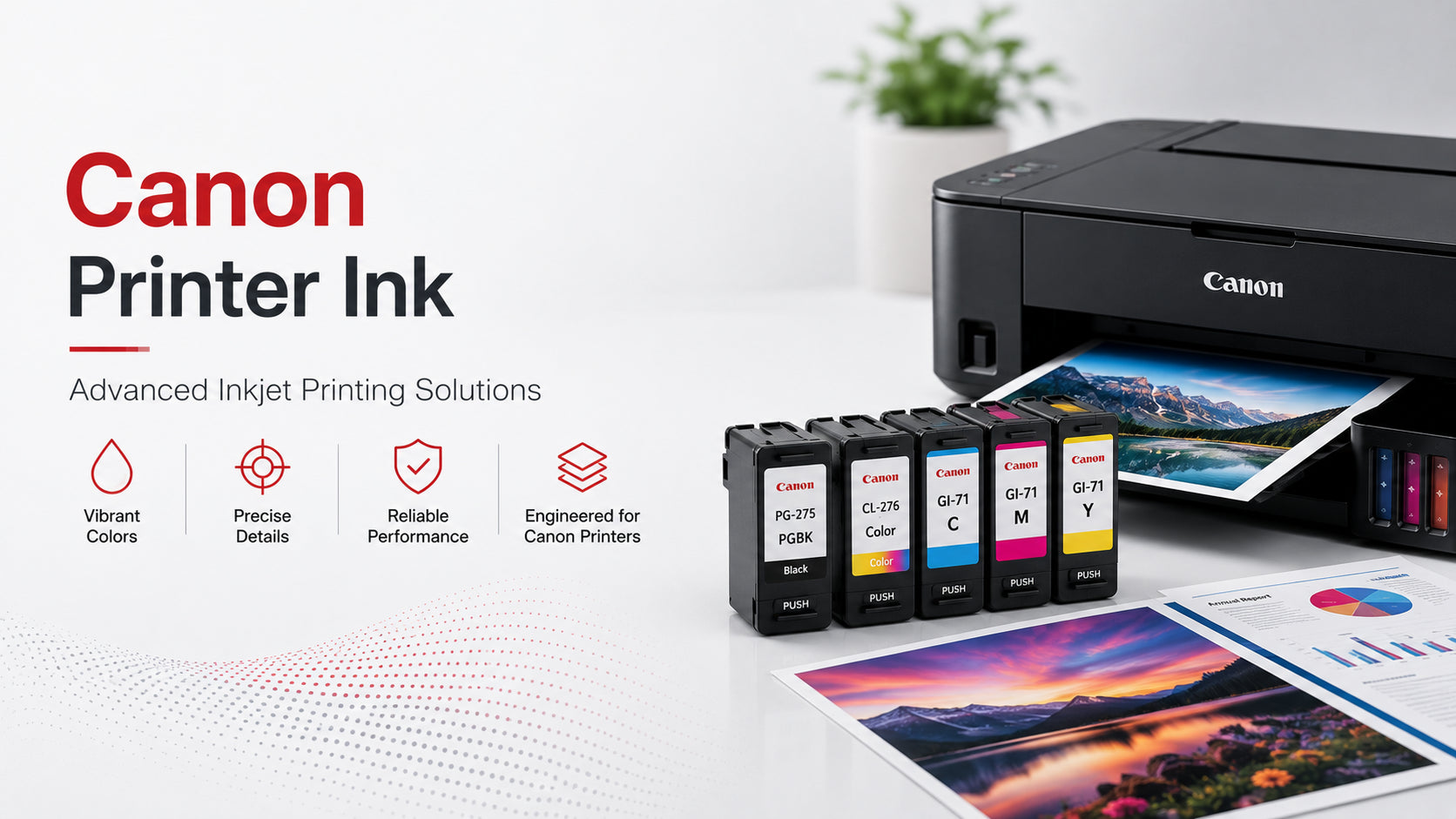
Canon Printer Ink Advanced Inkjet Printing Solutions

August 18, 2026

Canon Printer Ink Advanced Inkjet Printing Solutions

Modern inkjet printers are designed to handle far more than simple document printing. From detailed graphics to everyday paperwork, printing systems now rely on highly controlled ink delivery technology to maintain clarity, speed, and color consistency.

Canon printer ink is developed specifically for Canon printing systems to support precise droplet placement, stable color performance, and smooth page coverage. Because Canon printers are often used for both professional documents and image printing, the ink formulation plays a major role in overall output quality.

How Canon Inkjet Technology Operates

Canon inkjet systems use microscopic nozzles that release small ink droplets onto paper surfaces with controlled placement.

The process involves:

  1. Digital print data being processed internally
  2. Printheads controlling droplet placement
  3. Multiple ink colors blending during printing
  4. Ink drying quickly after paper contact
  5. Layered color formation for images and graphics

Because the system depends on precise nozzle movement, ink consistency becomes important for maintaining clean output and balanced color reproduction.

Even slight formulation differences can affect:

  • Text sharpness
  • Color accuracy
  • Drying speed
  • Smudge resistance
  • Nozzle performance

This is why Canon printer ink is formulated to support stable performance within specific printing conditions.

Ink Variants Used Across Canon Printers

Different Canon printers use different ink systems depending on printing needs.

🎨 Dye-Based Ink

  • Brighter color appearance
  • Better gradient transitions
  • Common for image printing
  • Smooth photo output

🖊️ Pigment-Based Ink

  • Sharper text clarity
  • Better durability on paper
  • Reduced fading risk
  • Preferred for office documents

🔁 Hybrid Ink Systems

  • Crisp black text
  • Rich color depth
  • Better image detailing
  • Balanced everyday performance

The choice of Canon printer ink depends largely on print volume, media type, and intended usage.

The Role of Printheads in Output Quality

Printheads are among the most important components inside an inkjet printer.

They control:

  • Ink droplet size
  • Placement accuracy
  • Print speed consistency
  • Color alignment precision

When nozzles become blocked or ink flow becomes unstable, print quality may decline noticeably.

⚠️ Common symptoms include:

  • Horizontal streaking
  • Missing lines in prints
  • Uneven colors
  • Faded sections

✅ How to reduce risk:

  • Use compatible, high‑quality ink
  • Perform regular printhead cleaning
  • Avoid prolonged idle periods
  • Store cartridges properly

Using compatible and properly formulated ink helps reduce printhead stress and supports smoother long-term operation.

Paper Selection Changes Print Results

Paper quality directly affects how ink behaves after printing.

For example:

  • Glossy paper improves image vibrancy
  • Matte paper reduces reflections
  • Thick media changes absorption speed
  • Standard office paper absorbs ink differently

Proper paper selection allows printing systems to maintain cleaner detail and more accurate color appearance.

High-quality Canon printer ink is formulated for use across multiple media types while supporting controlled drying behavior and reduced ink spread.

Signs of Ink System Problems

Most printers show small warning signs before major print quality issues appear.

Common indicators include:

  • Faded text
  • Uneven color density
  • Smearing or slow drying
  • Missing sections in graphics
  • Streaks across printed pages

These problems may develop due to:

  • Low ink levels
  • Dry nozzles
  • Air bubbles in the system
  • Long idle periods
  • Improper cartridge storage

Regular maintenance helps prevent these issues from affecting daily printing.

Simple Ways to Maintain Better Printing

Small maintenance habits can help improve print consistency over time.

Print regularly to prevent nozzle drying
Store cartridges away from heat and sunlight
Use proper print settings for media type
Run nozzle cleaning cycles when needed
Replace cartridges before complete depletion

These steps help maintain smoother printer operation and more stable output quality.

Choosing Ink Based on Printing Needs

Different printing tasks require different performance characteristics.

🏠 Everyday Home Printing

  • Balanced color quality
  • Standard cartridge capacity
  • Moderate usage support

📄 Office Documents

  • Sharp black text
  • Fast drying performance
  • Higher page consistency

🖼️ Photo Printing

  • Enhanced color accuracy
  • Better gradient transitions
  • Improved image detail reproduction

Selecting the right Canon printer ink may help improve efficiency and support more consistent long-term print performance.

Frequently Asked Questions

1. What is Canon printer ink used for?
It is used in Canon inkjet printers to produce documents, graphics, and photo-quality prints.
2. Why do Canon printers use multiple ink colors?
Multiple color cartridges improve blending accuracy and image detail.
3. Can poor-quality ink affect printing?
Yes, unstable ink may increase clogging risk and reduce output consistency.
4. Why do prints sometimes streak?
Streaking may happen due to clogged nozzles, low ink levels, or maintenance issues.

Built for Everyday Printing Needs

Reliable Canon printer ink helps maintain stable ink flow, accurate color placement, and consistent print clarity across everyday and professional printing tasks. With suitable maintenance practices and dependable supplies from Super Ink, users can help maintain smoother operation and more consistent printing performance over time.

🛒 Need reliable Canon printer ink?

Explore our selection at Super Ink and enjoy consistent, fade‑resistant output.


Laissez un commentaire

Les commentaires seront approuvés avant de se présenter.

S'abonner