
Votre panier est vide










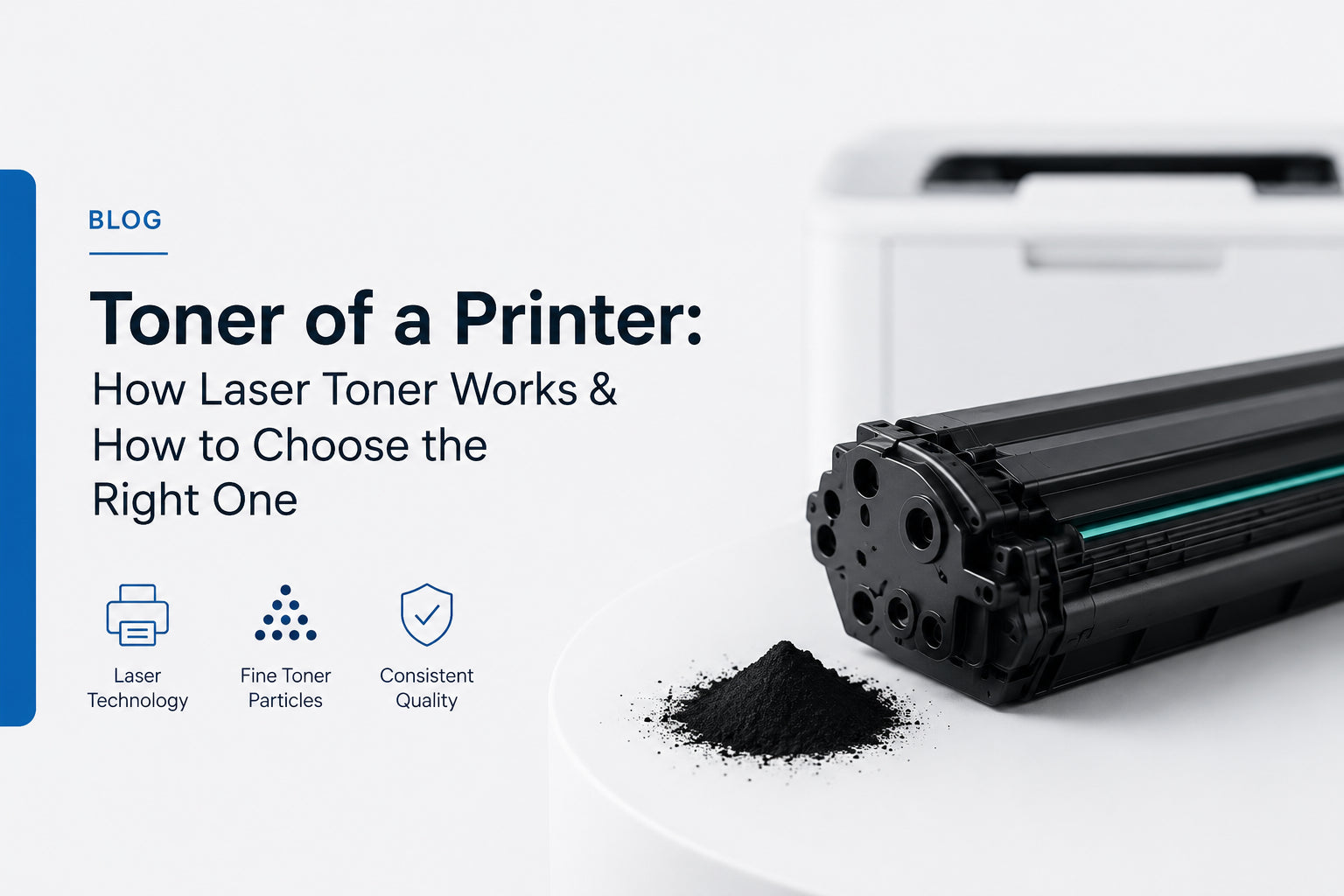
Laser printers work differently from inkjet systems because the toner of a printer relies on fine toner particles rather than liquid ink. This printing method helps create clean, sharp, and long-lasting printed documents - which is why it's the standard in offices, schools, and commercial environments where fast printing and consistent output matter.
This guide breaks down how toner actually works, what affects print quality, the problems to watch for, and how to pick the right cartridge for your printer. If you already know what you need, you can jump straight to our full range of compatible toner cartridges.
- Free ShippingOn orders over $46
- 24-Month WarrantyReplace or refund
- 30-Day ReturnsEasy and free
- Secure CheckoutSSL protected
Understanding How Toner Works
Toner is a specially engineered powder made for laser printing systems. It's designed to react to electrical charges and heat during printing. Inside a toner cartridge you'll typically find pigment particles for colour or black output, polymer compounds for bonding, charge-control materials, and flow stabilisers that keep the powder moving smoothly.
Unlike liquid ink, toner doesn't soak into paper. Instead, it's bonded onto the paper surface using heat and pressure. That single difference is why laser-printed documents tend to be more resistant to smudging, faster to print, better for large document volumes, and well suited to text-heavy printing.
How Laser Printers Use Toner
A laser printer follows a highly controlled, five-step process to produce each page. Because of this sequence, the toner has to maintain consistent movement and coverage from start to finish.
- Printer receives the digital print data
- A laser writes an electrostatic image on the drum
- Toner particles attach to the charged areas
- Paper passes through the transfer section
- Heat & pressure fuse toner onto the paper
Main Components Inside the Toner System
Several internal parts work together during laser printing, and each one contributes to print sharpness, toner distribution, output consistency, and speed.
Toner reservoir
Stores the fine toner powder before printing begins.
Imaging drum
Receives the electrostatic image created by the laser.
Developer roller
Transfers toner particles toward the drum surface.
Fuser unit
Applies heat and pressure to bond toner onto paper.
What Affects Print Quality?
Laser print quality depends on several technical factors working together properly:
- Toner particle consistency
- Drum condition
- Heat-fusion accuracy
- Toner flow stability
- Printer calibration precision
When any of these are off, you may notice faded pages, uneven text density, streaks or repeated marks, smudging, or background shading. Reliable toner quality helps reduce these common problems before they start.
Common Toner Problems
Even advanced laser printers can develop toner-related issues over time. The most common examples include:
- Toner clumping caused by humidity
- Leakage from a damaged cartridge
- Uneven print coverage
- Light or faded print output
- Toner buildup inside the printer
Using the correct toner for your printer and following proper handling practices goes a long way toward preventing these issues.
Simple Ways to Maintain Better Printing
Basic maintenance improves both print quality and cartridge lifespan. A few habits make the biggest difference:
- Store cartridges in a cool, dry place
- Keep toner away from moisture and direct heat
- Install cartridges carefully to avoid damage
- Clean the printer interior periodically
- Replace cartridges when print quality declines or toner runs low
Tip: keep a spare cartridge on hand so a low-toner warning never stops a print run mid-job. Superink ships free across Canada on orders over $46.
Choosing the Right Toner for Your Printer
Not every cartridge is built the same way, and the right choice keeps your printing efficient with fewer interruptions. Before you buy, check your printer model compatibility, your monthly print volume, whether you need standard or high-yield capacity, black-only versus colour output, and whether your printer uses a drum-integrated or separate-drum system.
At Superink we make compatible and remanufactured toner an easy, lower-cost swap for OEM cartridges — tested for page yield and print clarity, and backed by our warranty. Start with your printer brand:
Prefer to browse everything at once? See the complete toner cartridge collection, compare compatible ink & toner options, or explore our remanufactured cartridges.
Find the right toner in under a minute
Compatible and remanufactured cartridges for HP, Brother, Canon, Samsung, Dell, Xerox, Lexmark and more — quality-tested, warranty-backed, and shipped free across Canada over $46.
Shop Toner Cartridges Browse All SuppliesFrequently Asked Questions
What is toner used for in a printer?
Toner is used in laser printers to create printed text and images using fine powder and heat-fusion technology, rather than the liquid ink used by inkjet printers.
Why do laser prints look sharper than inkjet prints?
Laser printers place toner precisely and bond it with heat fusion, which produces cleaner, sharper text — especially on high-volume, text-heavy documents.
Can toner cartridges dry out like ink cartridges?
No. Toner is a dry powder, so it doesn't dry out the way liquid ink does. Stored in a cool, dry place, a sealed toner cartridge stays usable for a long time.
What causes toner smudging on paper?
Smudging usually points to improper heat fusion, a damaged component such as the fuser, or low-quality toner powder. Using a quality-tested cartridge helps prevent it.
The toner of a printer plays a central role in sharp text, efficient document production, and consistent day-to-day operation. With the right toner, regular maintenance, and dependable support from Superink, you can keep your laser printing stable for both everyday and professional use.